humeruzz
2013-01-27 08:55:07
This guide has been plagiarized and was originally created on PowerBot by sappidis
https://www.powerbot.org/community/topic/886942-fastest-way-to-register-runescape-names-to-sell/
If you wish to open a name shop, I will be giving subsidies , in names. a list of 3 character names are given for you to sell, and any help you might need given.
Beforehand:
Summary
The setup:
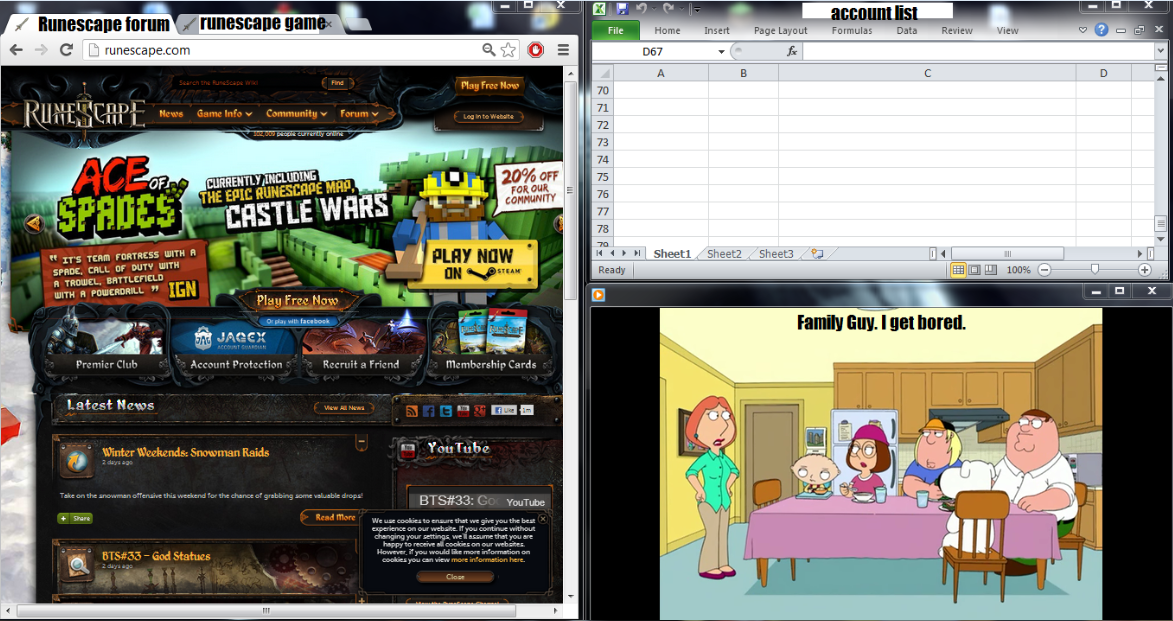
Register an account.
Use a fake email, with a fake domain. You do not have to own the email to have a registered account on it. For this example I'm using ad@5.com

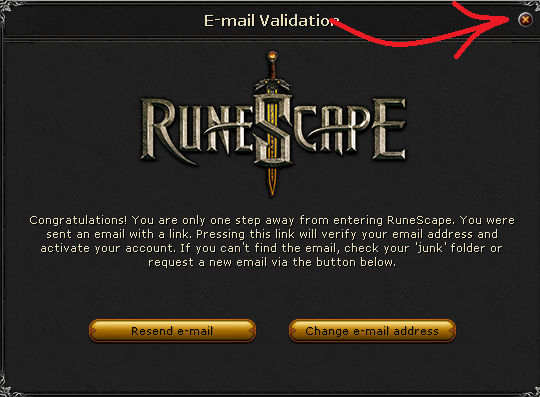
It will take you to this screen, press the X in the corner and switch tab.
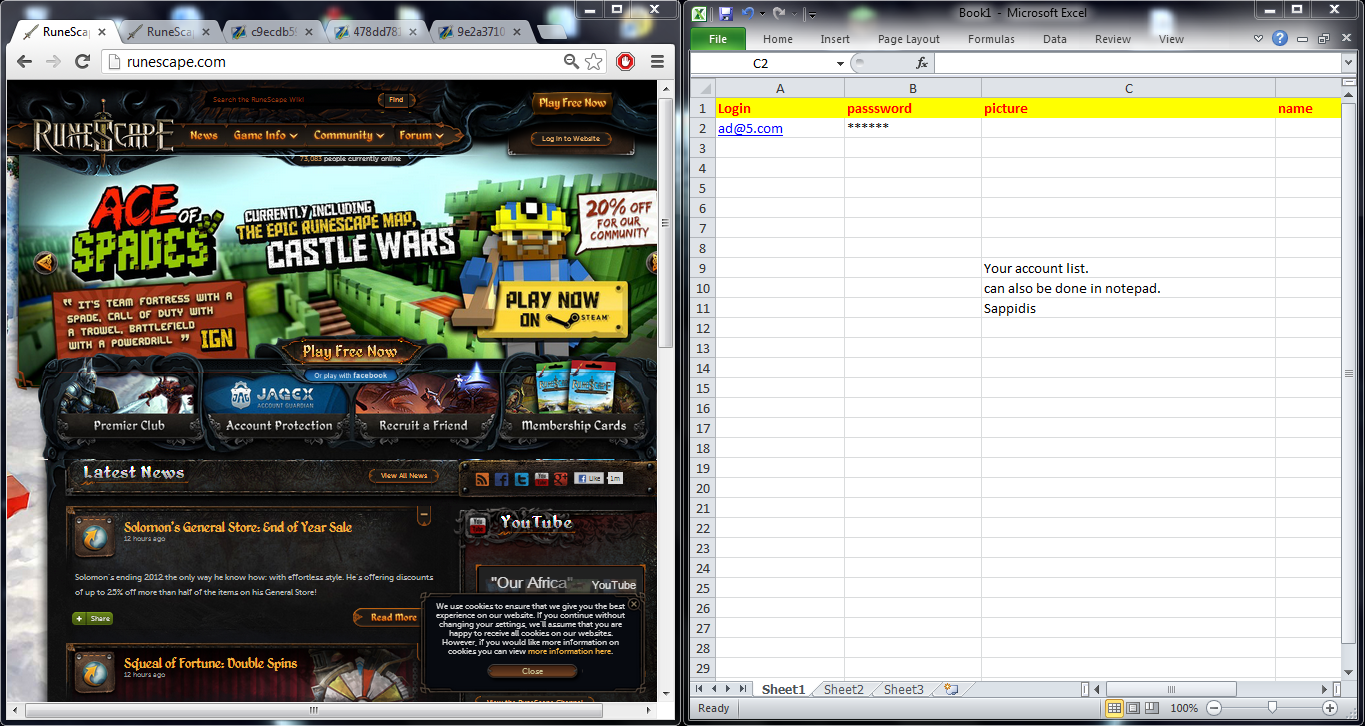
Login to the forum. I have zoomed out here (ctrl and scroll out) so I can see the email and name in the same screen.
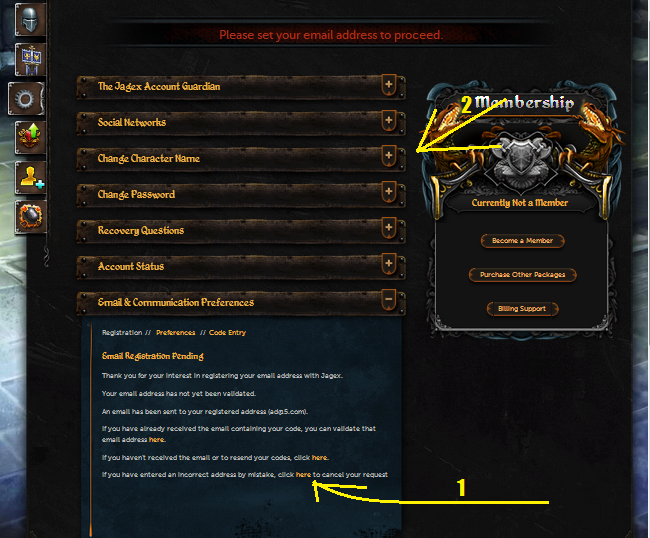
Found under your Account settings, click on 'here' as shown by 1, then on the tab shown by 2.
Set your name you wish to take on the account.

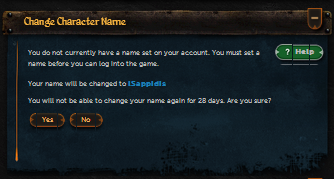
Once taken , keep in your account list.
Signout, switch tab, repeat.
The result:
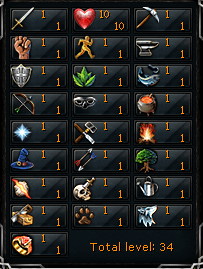
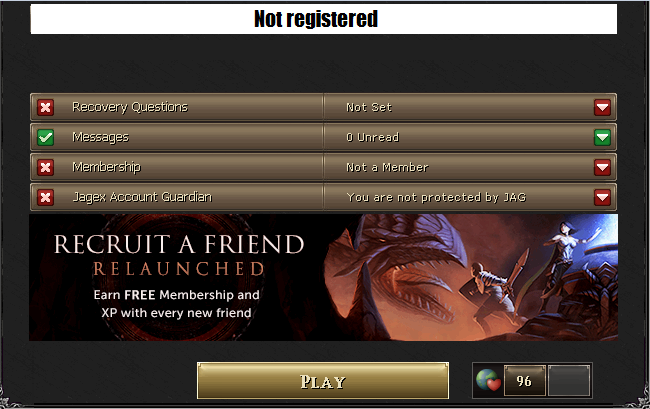
One 'blank' account with a name, a short email login, and no registered email. You will not be able to login without an email, but there will be no need to transfer email when selling.


https://www.powerbot.org/community/topic/886942-fastest-way-to-register-runescape-names-to-sell/
If you wish to open a name shop, I will be giving subsidies , in names. a list of 3 character names are given for you to sell, and any help you might need given.
Beforehand:
- Put your name(s) into the account list if you have a list available before you start registering, so you do not have to switch between screens.
Summary
- Have your screen set up as below. Fill in the names with the ones you are willing to register
- Fill in details in the game screen. Use a fake email adress, they're shorter.
- When redirected to the email screen, press the x to go back to login. Switch tabs
- Log into the forum. Click account settings in the drop box
- scroll down to email and communication preferences. Press the bottom 'here' link.
- Register your display name under the change character name tab
- Add to your list, log out of forum, switch tab, and restart.
The setup:
Register an account.
Use a fake email, with a fake domain. You do not have to own the email to have a registered account on it. For this example I'm using ad@5.com
It will take you to this screen, press the X in the corner and switch tab.
Login to the forum. I have zoomed out here (ctrl and scroll out) so I can see the email and name in the same screen.
Found under your Account settings, click on 'here' as shown by 1, then on the tab shown by 2.
Set your name you wish to take on the account.
Once taken , keep in your account list.
Signout, switch tab, repeat.
The result:
One 'blank' account with a name, a short email login, and no registered email. You will not be able to login without an email, but there will be no need to transfer email when selling.