Timer
2008-05-18 14:26:00
How To:
Hit Prnt Scrn (North Or East Of <– Backspace)
Open Paint And Hit
Crtl + V.
File –> Save As…
Hit Desktop On The Left.
Name As Desktop
Go To
http://www.tinypic.com/
At File Hit Browze, Hit Desktop On The Right.
Double Click Desktop.
After That, Hit UPLOAD NOW!
Let It Upload And Then Copy The Img Board Tags.
Put It In A Post!
Well, I'll Start!

MONSTER KICKS ASS! :D
Hit Prnt Scrn (North Or East Of <– Backspace)
Open Paint And Hit
Crtl + V.
File –> Save As…
Hit Desktop On The Left.
Name As Desktop
Go To
http://www.tinypic.com/
At File Hit Browze, Hit Desktop On The Right.
Double Click Desktop.
After That, Hit UPLOAD NOW!
Let It Upload And Then Copy The Img Board Tags.
Put It In A Post!
Well, I'll Start!
MONSTER KICKS ASS! :D
 its pretty empty, i dont like having alot of stuff on my desktop. and btw Timer, i noticed that ''kicks ass'' :P i wonder where you got that from ;)
  Thx for the help guys!!


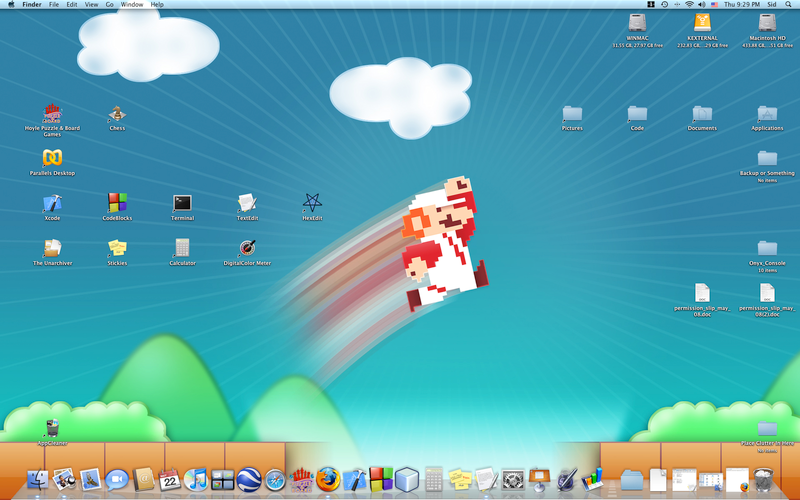
 (click to enlarge)
 REPTARR